Compare
A private alternative to cloud family organizers
Most family organizer apps run on the same model: your family's data lives on their servers, and a privacy policy governs what they choose to do with it. FamiliaSync was built on a different model - one where the data never leaves your devices.
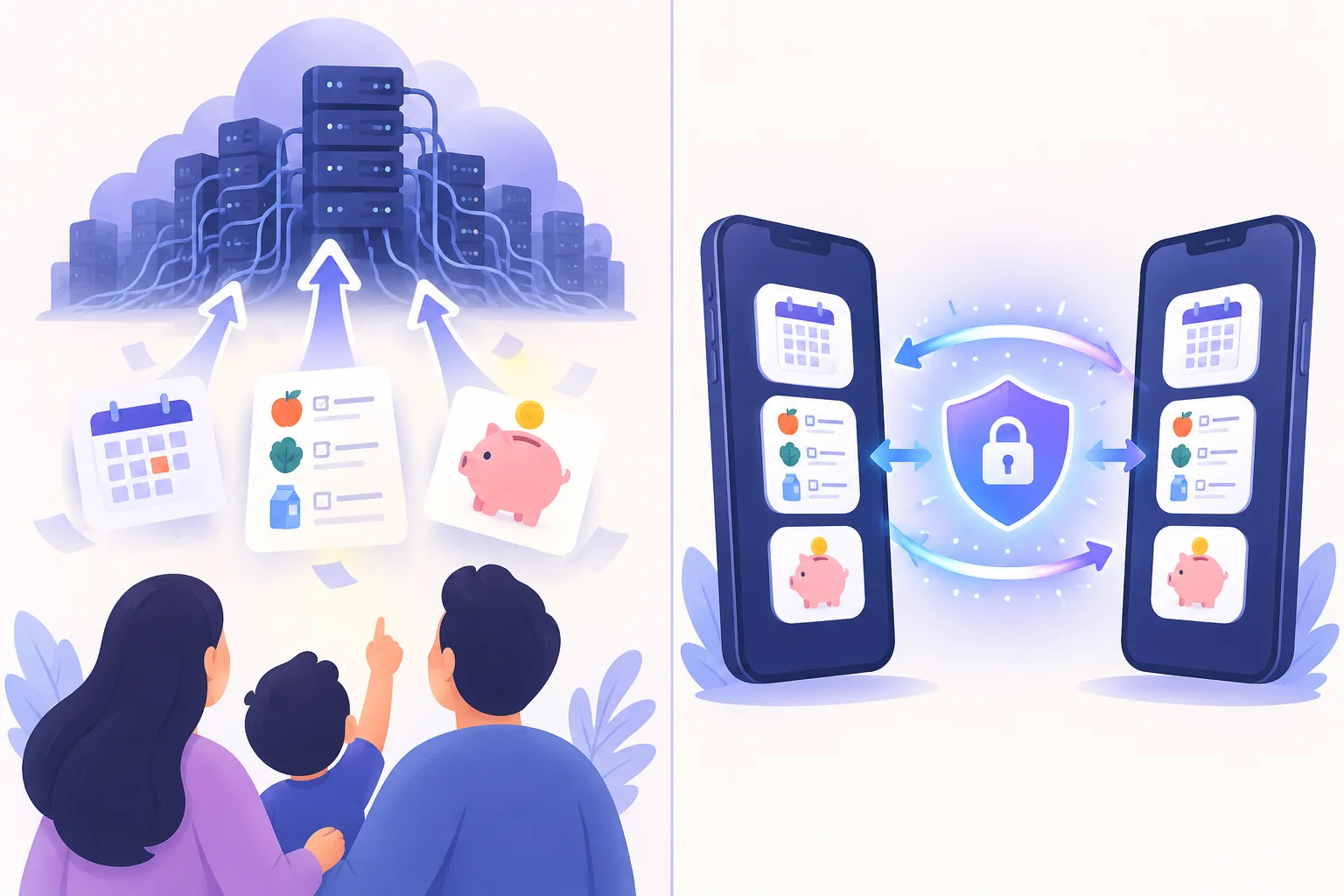
Side by side
“Typical cloud app” describes how mainstream family organizers generally work - not any specific product.
| Typical cloud family app | FamiliaSync | |
|---|---|---|
| Where your data lives | On the company's servers, tied to your account | Only on your family's devices - we hold nothing |
| Account required | Yes - email, password, often social sign-in | No accounts, no passwords, nothing to breach |
| Works offline | Partially - full features need a connection | Fully - offline is the default, not a fallback |
| How devices sync | Silently through the company's cloud | Encrypted device-to-device transfer you initiate |
| Advertising & trackers | Often ad-supported or analytics-funded | None - not even on this website |
| AI assistant | Cloud models that see your family's data | Runs entirely on-device |
| Data breach exposure | Your data is on the servers that get breached | No user database exists to breach |
| If the company is sold | The database is an asset that changes hands | Nothing to sell - the architecture doesn't hold data |
| Web access | Yes - sign in from any browser | No - there is no account to sign into |
| Lost-device recovery | Account recovery restores everything | Data restores from your other paired devices |
| Cost | Free tiers with ads, or subscriptions | Free forever |
Category descriptions reflect typical behavior of cloud-based family organizer apps as a group. Individual products vary - check each one's privacy policy and architecture for yourself.
The difference in one sentence
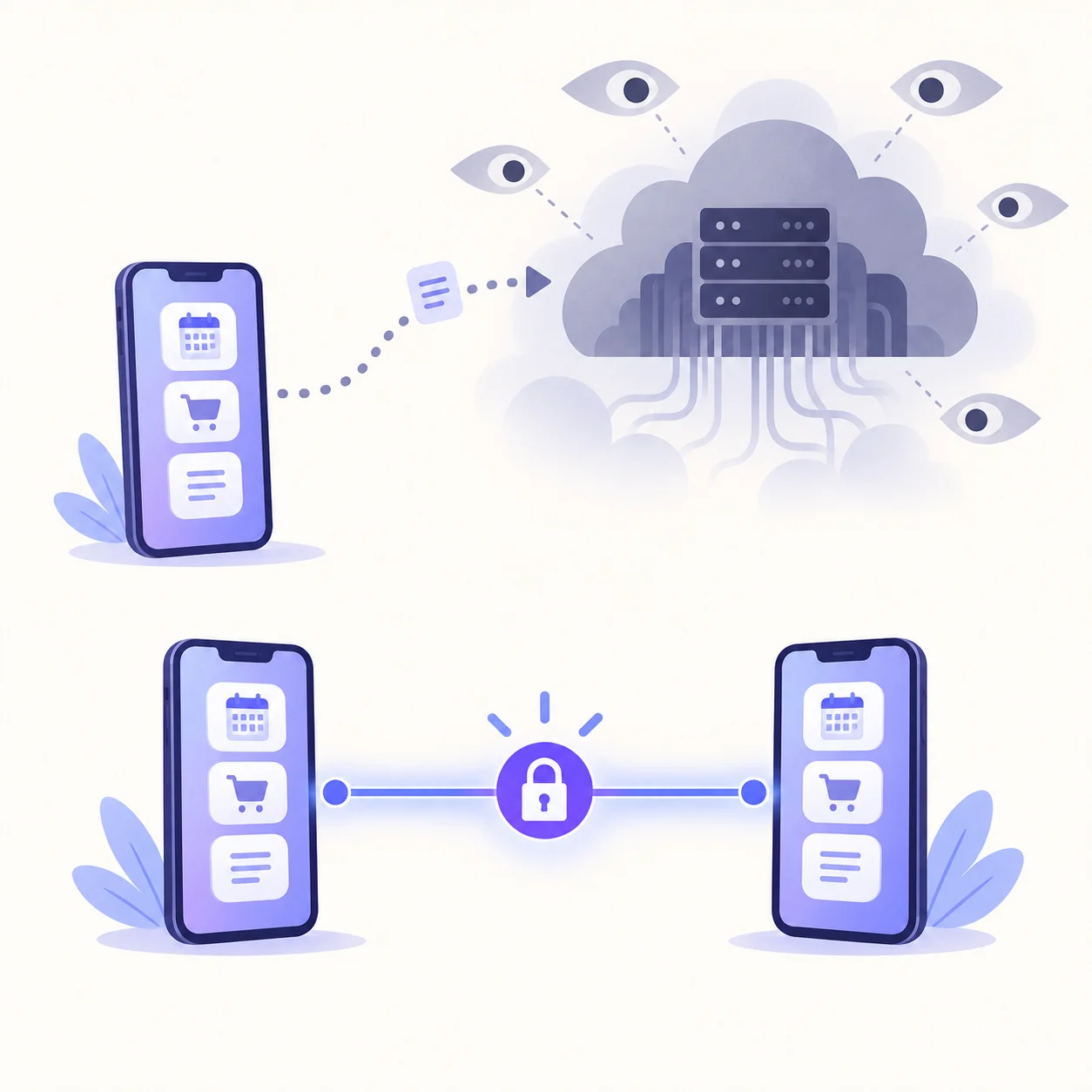
A cloud organizer asks you to trust a policy; FamiliaSync removes the need for trust by removing the data. Policies can be rewritten after an acquisition, bent by a business model, or broken by a breach. An architecture that never collects your family's data can't quietly start holding it.
That's also what makes the AI assistant different. Cloud apps send your questions to hosted models that see your family's data. FamiliaSync's assistant runs on-device, so the data it reasons over never leaves the phone it lives on.
The honest trade-offs
Choosing offline-first isn't free. Here's what you give up, stated plainly - because a comparison page that only lists wins isn't a comparison.
Sync is a deliberate act
Cloud apps sync silently in the background - convenient, and invisible. FamiliaSync syncs when you tell it to, device to device. That's one more step, and it's the price of never having a server in the middle.
No web app
With cloud organizers you can sign in from any browser. With FamiliaSync there's nothing to sign into - your data lives on your devices, so a laptop browser can't reach it. If you live in a browser, that's a real loss.
Your devices are the backup
Lose your phone and a cloud app restores from the server. FamiliaSync restores from your other paired devices - so keep at least two paired, and a lost device is an inconvenience instead of a catastrophe.
Who each model suits
A cloud organizer fits if you need
- Web access from any browser, anywhere
- Silent background sync across many devices
- Big-family or extended-group sharing features
- Account recovery as your backup strategy
FamiliaSync fits if you want
- An organizer that works with no account at all
- Your family's data to stay on your own devices
- Full functionality offline, not a degraded mode
- An assistant that never phones home
Common questions
- Why don't you name specific apps in this comparison?
- Because the point isn't any one product - it's the architecture. Most cloud-based family organizers share the same model: your data on their servers, governed by a privacy policy. This page describes that typical category behavior so you can evaluate any app against it, including ours.
- Is FamiliaSync really free?
- Yes. There's no subscription, no ads, and no data to monetize - the business doesn't need your data because the product never collects it.
- What happens if I lose my phone?
- Your data restores from your other paired devices. There's no cloud backup to fall back on - by design, because there's no cloud. Pairing at least two devices is the recommended setup.
- How do I evaluate other family organizers?
- Ask one question: where does my data actually live? If the answer is a company's servers, the privacy policy is the only thing standing between your family's routines and whoever owns that company next year. If the answer is 'your devices', you're looking at architecture - not a promise.
Want the deeper technical story? Read “Private by architecture, not by promise” or see how we handle data.
Get your family in sync.
Join the waitlist - free forever, with no cloud account needed to get started.
Free forever · No cloud account needed